The rule is simple: match the model to the job
Anthropic’s model-selection guide describes two useful approaches. For high-volume, straightforward, cost-sensitive tasks, start efficiency-first: use Haiku, test it on the real task, and move up only if the quality is not enough. For complex reasoning and high-autonomy coding, start with a stronger model.
That is exactly how I think about subagents now. File reading is usually not the part that needs the most expensive model. Architecture, a difficult bug, or a risky refactor might. Reading 20 files to find where a function is used usually does not.
There is another cost lever too: effort. Recent Opus and Sonnet models let you trade reasoning depth for token spend through effort levels, so even when you keep the same model, lower effort fits scoped work where you do not need maximum reasoning. The point is not “always use the cheapest model.” It is “stop paying the most expensive model for every step.”
Why subagents change the bill
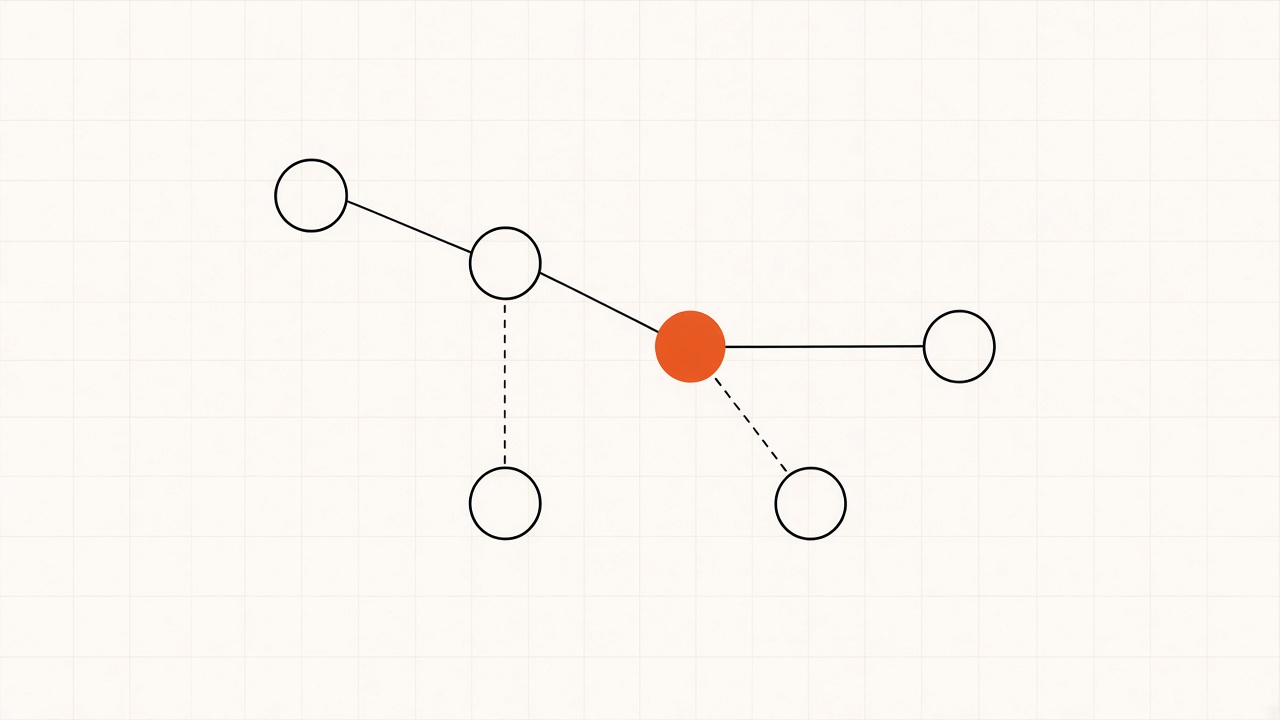
Both Claude Code and Cursor give subagents their own context windows. If your main agent reads 20 files, all of that material lands in the same conversation as the reasoning you care about. A subagent reads, searches, and filters those files in a separate context, then returns the useful findings.
Your premium model gets the answer to “what did you find?” instead of the full pile of raw files, logs, and search output. That keeps the main context cleaner and moves high-volume token work somewhere cheaper.
Claude Code setup
Claude Code already has a built-in Explore agent for codebase search. Since Claude Code v2.1.198, the built-in Explore agent inherits your main conversation model, so if your main session is on Opus, Explore can run on Opus too. Claude Code lets you override that by creating your own subagent named Explore and pinning it to Haiku.
I use two read-only agents. Explore handles codebase search. Reader handles file-heavy reading, docs, logs, research, and extraction.
.claude/agents/Explore.md
---
name: Explore
description: Searches and reads the codebase and reports findings. Never edits. Use proactively for codebase exploration and search.
tools: Read, Grep, Glob
model: haiku
---
Search and read only. Report concisely what you found and where.
Never write or edit files.
.claude/agents/reader.md
---
name: reader
description: Reads files and extracts information. Use proactively for file reading, docs, logs, research, and extraction tasks that would add lots of raw context to the main conversation.
tools: Read, Grep, Glob
model: haiku
---
Read and search only. Never write or edit files.
Return only the information requested.
Include file paths and line references when useful.
Do not paste large file contents unless explicitly asked.
Haiku fits this job because the work is high-volume and scoped. The point is to keep the stronger model for the reasoning that benefits from it.
Cursor setup
Cursor uses the same idea. Its subagents get their own context windows, and a custom subagent can use a different model from the parent. If your main Cursor chat is on a premium reasoning model, the reader does not need to inherit it.
For Cursor I create:
.cursor/agents/reader.md
---
name: reader
description: Reads and searches files, code, logs, and docs. Use proactively for high-context read-only work and return only the relevant findings.
model: gpt-5.6-luna
readonly: true
---
Read and search only.
Return concise findings with file paths and line references when useful.
Do not paste large file contents unless explicitly asked.
Keep raw research out of the parent conversation.
If Luna is not available in your workspace, use another specific lower-cost model that is available. Do not use inherit when the parent is a premium model. Also, do not assume a Fast variant is cheaper. If cost is the goal, use the lower-cost standard model available in your workspace.
The prompt I use
Paste this into Claude Code or Cursor at the root of your project:
Set up low-cost, read-only subagents for file-heavy work in this project.
Goal:
Keep raw file contents, codebase search results, logs, docs, and extraction work out of the main conversation whenever the final reasoning does not need the raw material.
Use the cheapest model that is strong enough for the reading task. Keep the premium model for complex reasoning, architecture, debugging, and final decisions.
If this repo uses Claude Code:
1. Create `.claude/agents/Explore.md` with:
   - name: Explore
   - description: Searches and reads the codebase and reports findings. Never edits. Use proactively for codebase exploration and search.
   - tools: Read, Grep, Glob
   - model: haiku
   - body: “Search and read only. Report concisely what you found and where. Never write or edit files.”

2. Create `.claude/agents/reader.md` with:
   - name: reader
   - description: Reads files and extracts information. Use proactively for file reading, docs, logs, research, and extraction tasks that would add lots of raw context to the main conversation.
   - tools: Read, Grep, Glob
   - model: haiku
   - body: “Read and search only. Never write or edit files. Return only the information requested. Include file paths and line references when useful. Do not paste large file contents unless explicitly asked.”

3. In `CLAUDE.md`, add this instruction without deleting existing content:
   “For high-context read-only work, delegate to Explore or reader first. Keep raw file contents and search output out of the main conversation unless they are needed for the final reasoning.”

4. If `.claude/agents/` did not exist when this Claude Code session started, tell me to restart Claude Code after creating it. If the directory already existed, do not tell me to restart unless needed.
If this repo uses Cursor:
1. Create `.cursor/agents/reader.md`.
2. Set `readonly: true`.
3. Set the model to `gpt-5.6-luna` if that model is available in this workspace. If Luna is unavailable, use another specific lower-cost model ID that is available. Do not use `inherit` when the parent is a premium model, and do not choose a Fast variant just because it says Fast.
4. Use this description:
   “Reads and searches files, code, logs, and docs. Use proactively for high-context read-only work and return only the relevant findings.”
5. Use this body:
   “Read and search only. Return concise findings with file paths and line references when useful. Do not paste large file contents unless explicitly asked. Keep raw research out of the parent conversation.”
If both Claude Code and Cursor are configured in this repo, create all of the files above.
Do not delete or overwrite unrelated existing instructions.
At the end, show me every file you created or changed, the model assigned to each reader, and why you selected that model.
What changed for me
The experiment itself was Claude Code. Same task, same files, same expected answer. The expensive version had the premium model doing the reading. The cheaper version moved the reading into a separate context on a cheaper model. That was the difference between about $5 and about $0.50 for the task.
I still use premium models. I use them for the part that earns the premium price. Claude Code sends the reading to Haiku, Cursor sends the reading to a lower-cost model such as Luna, and the main model gets the findings instead of the files.
This is also why I’m building Eli
The same cost problem shows up at company level. Software and AI spend is scattered across cards, providers, agents, and teams, which makes it hard to see what you are paying for and who owns it. Eli by Techbible puts software and AI spend in one place, connects each cost to an owner, and surfaces duplicate tools, forgotten seats, and renewals before the next bill lands.
If you want to see where your stack is leaking money, take a look at Eli.