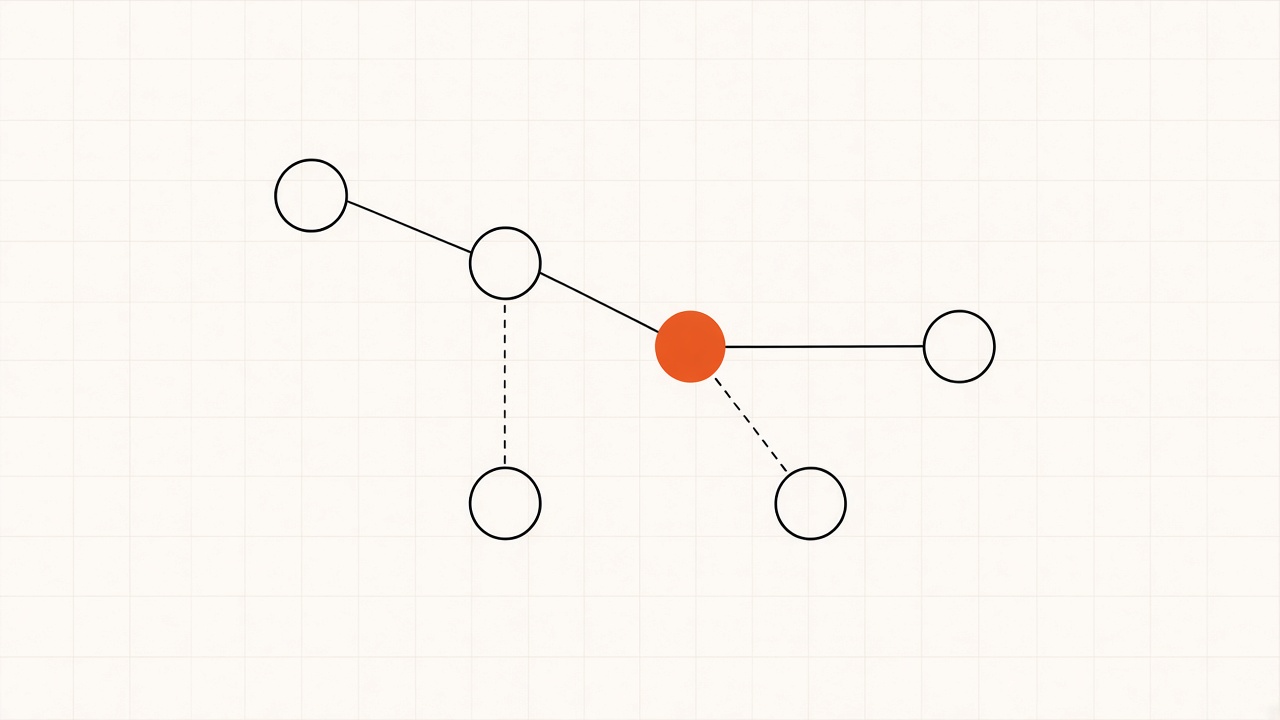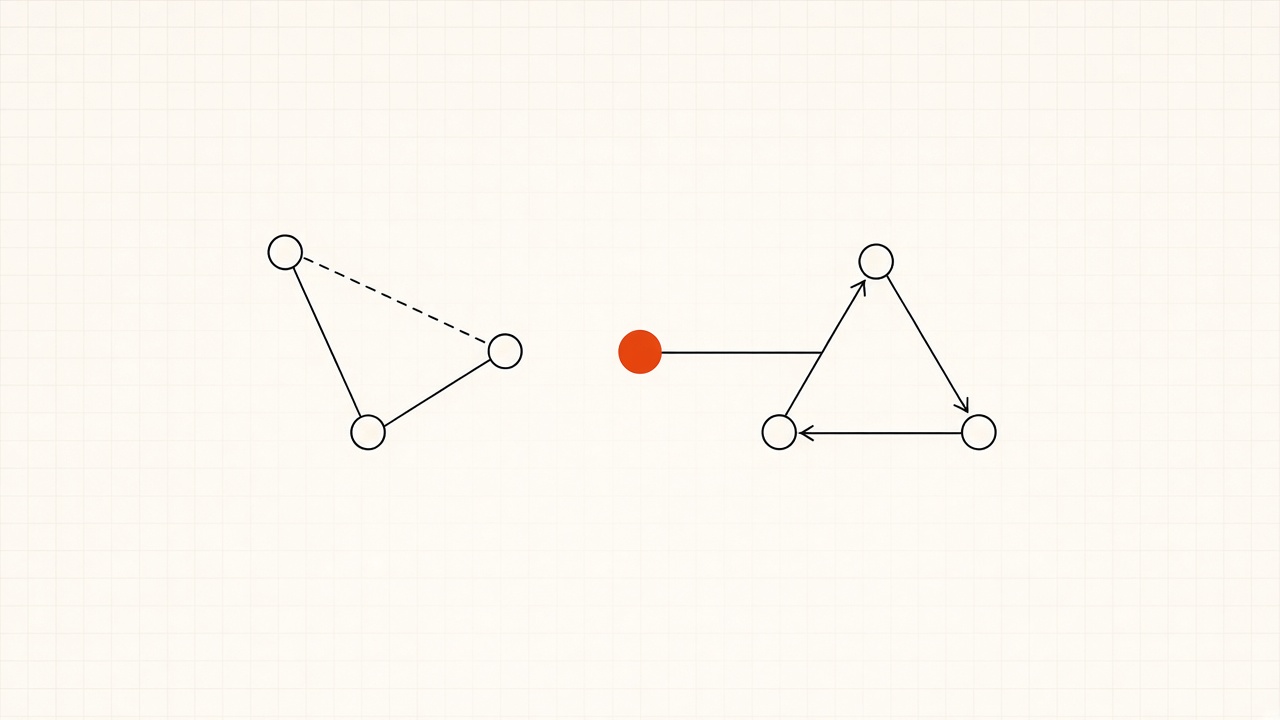
The difference
Choosing what information an AI model receives.
The software that calls the model, runs the tools it requests, and passes the results back.
They work together: a harness can use context engineering methods to prepare the information for each model call.
Context engineering shapes the model’s input: instructions, documents, messages, memory, and tool results.
It includes retrieving the relevant policy, keeping useful conversation history, and selecting the important parts of a long report. The aim is to give the model the information it needs for its next response or decision.
A harness manages the work around the model: send a request, execute any requested tools, return their results, and continue until the task finishes or a limit is reached.
Codex, Claude Code, and OpenCode already include this machinery. Depending on the implementation, a harness can also manage session history, permissions, errors, and context length.
You can configure an existing harness for your workflow instead of writing that execution system yourself.
For example, a harness can fetch a document and pass only its relevant sections to the model. Choosing those sections is context engineering; executing the lookup and continuing the task is harness behavior.
Examples
Accounting
TaskInvestigate why a £1,000 invoice has a £980 bank payment.
Context engineeringSupply the matching invoice, transaction, and payment-matching rules; include relevant evidence as it is found.
HarnessOpen supporting reports, run calculations, and return the results so the model can investigate the £20 difference.
Chat
TaskAnswer a customer asking, “Where is my order?”
Context engineeringInclude the order number, useful chat history, and the shipping details returned by a lookup.
HarnessCall the connected order and shipping tools, then return the results to the model. If the details are already supplied, a single model call may be enough to answer.
Operations
TaskInvestigate why a customer’s onboarding has stalled.
Context engineeringInclude the onboarding checklist, relevant handover notes, and current status records.
HarnessUse connected CRM and task tools to check progress and carry out permitted follow-up actions as the model works through the issue.
Configure an existing harness
For a tool such as Codex, configure the information, access, and tools around the work:
- Provide reusable instructions. Use AGENTS.md to describe the task rules, relevant sources, and required output.
- Set access and approvals. Choose a sandbox and approval settings for the files and actions the agent can use.
- Make the right tools available. Connect the required systems or provide scripts for repeatable checks, such as comparing totals or validating records.
- Verify the setup. Try a task with a known result. Check which evidence reached the model, which actions ran, and whether the output is correct.
Codex’s runtime settings live in config.toml. Instructions shape the model’s context; runtime settings and tool implementations control how the surrounding system operates.
Common context engineering patterns
These are examples of context engineering patterns, and they can be combined.
Save useful information and recall it across sessions.
Shorten growing conversation histories while preserving important details.
Give different agents separate working contexts, then combine their findings.
An agent can retrieve documents using RAG, recall saved preferences, and summarize older results during the same task. Anthropic’s guide discusses these approaches.
Open-source examples
OpenCode is a coding agent with publicly available source. It is an example of software that runs the model and its tools.
The distinction matters: OpenCode runs an agent; Harness² studies how to improve the system around one while keeping model weights fixed.
Context methods you can add
Start with database queries or an existing search service. Qdrant is an open-source option for vector search and filtering.
Store confirmed facts and unresolved items in a file or database, then load the entries needed for the next step.
Remove repeated results or summarize older material. LLMLingua provides open-source compression methods, described in its paper. Check that important evidence survives.
Langfuse provides open-source tracing and evaluation tools for checking inputs and comparing results.
Choose by what the task requires
Prepare the context and ask for an answer.
Build a fixed workflow, such as validating records and routing them to the correct team.
Use an agent in a harness to investigate and act on new findings.
A product can combine all three: fixed steps handle predictable checks, an agent investigates exceptions, and a person reviews changes where required. This follows the workflow–agent distinction in Building effective agents.