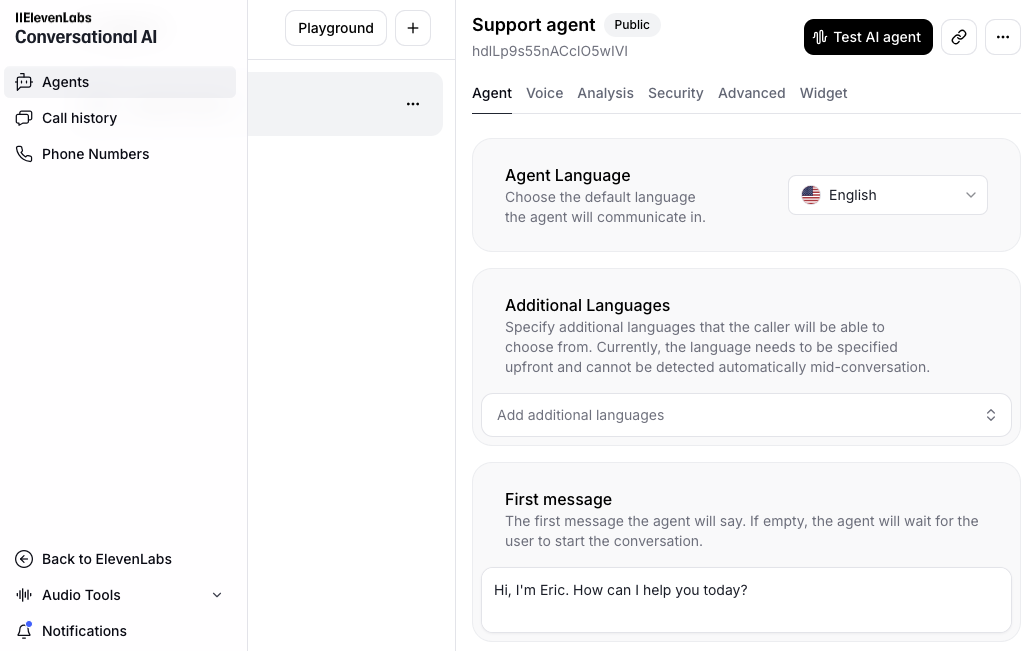
This guide shows you how to set up an AI-powered voice assistant on your website using 11labs. Unlike traditional chatbots, this solution provides natural voice interactions. You'll learn how to train the AI with your business knowledge, select a synthetic voice that matches your brand identity, and implement the voice-enabled widget on your website.
Time to Value: ~15 minutes to set up and deploy
Tools Needed
- 11labs Agent Builder
- Business knowledge base
- Your website's access for widget implementation
Who It's For
- Business owners
- Marketing teams
- Customer service managers
- E-commerce store owners
Process Overview
- Access 11labs Agent Builder
- Add data sources to train AI
- Configure system prompts
- Select synthetic voice that matches brand
- Generate voice-enabled widget code
- Implement on website
Key Benefits
- 24/7 voice-based customer support
- Natural-sounding AI voice interactions
- Customizable synthetic voice options
- Easy implementation
- Increased customer engagement
- Potential conversion improvement
- More accessible than text-only chatbots